Shropshire Retreat · Web design
A direct-booking website for a holiday let, so the commission stops
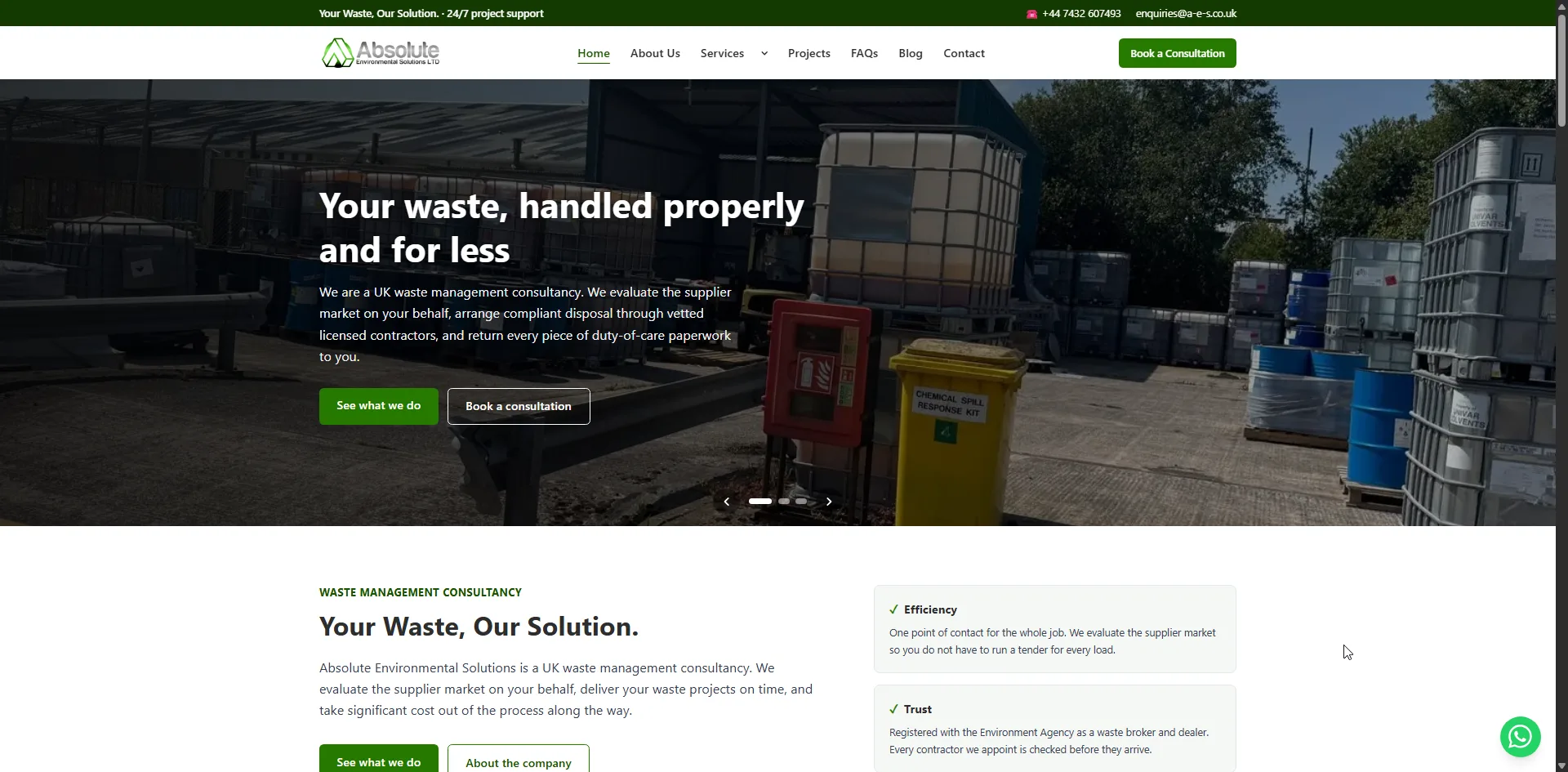
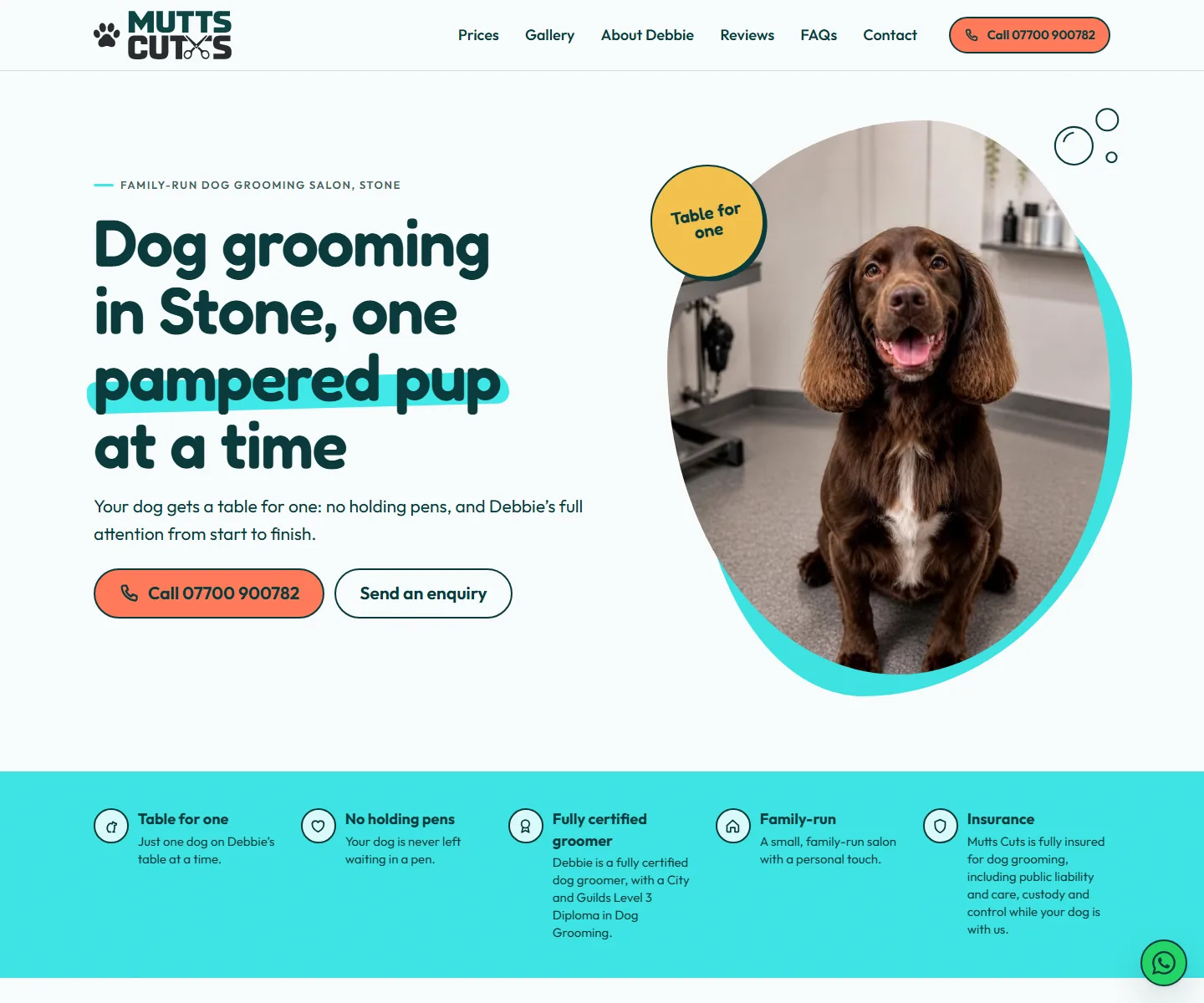
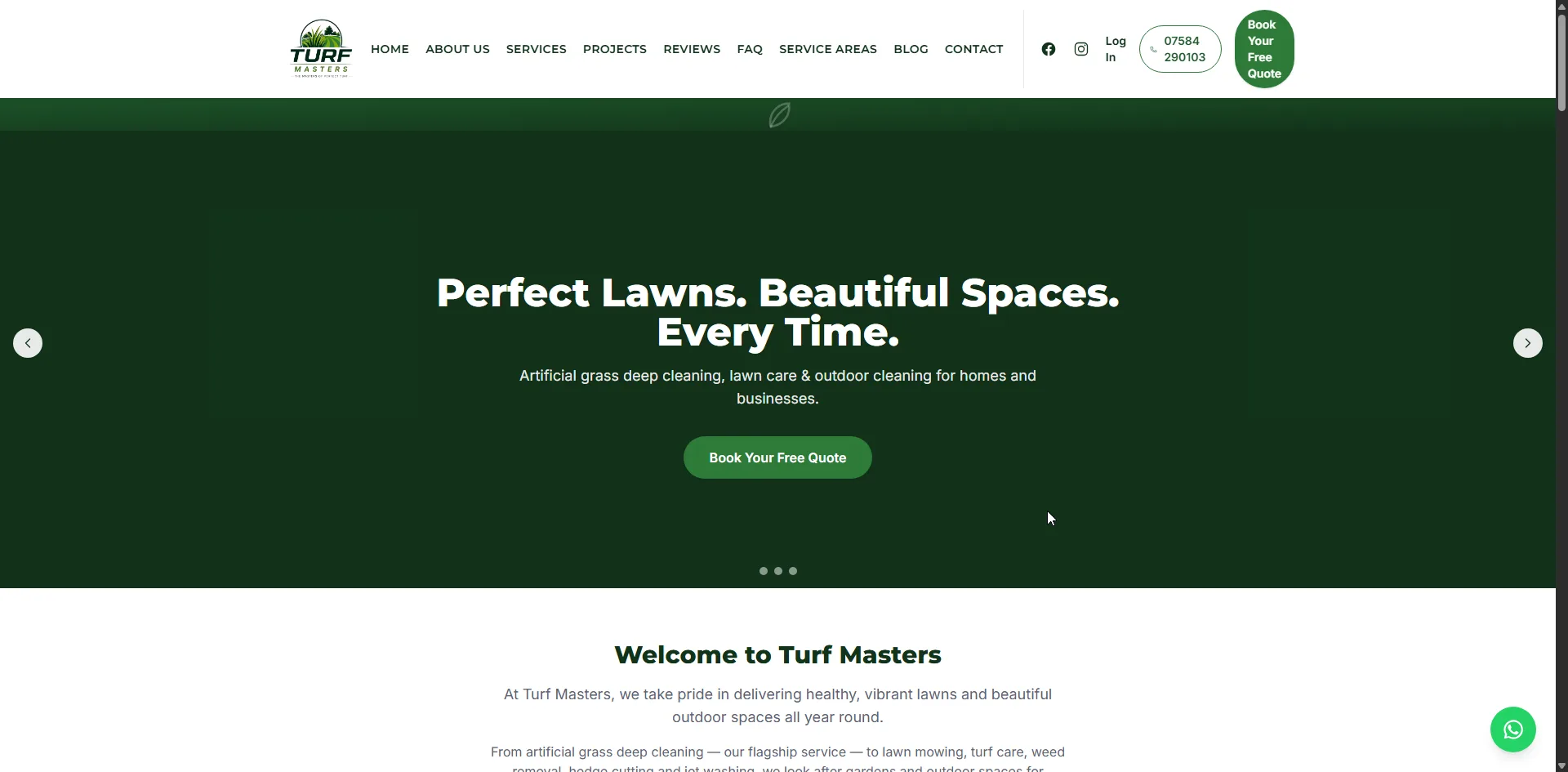
A self-catering house in Telford that takes its own bookings and payments, with availability kept in step both ways with Google Calendar, Airbnb and Booking.com. Deposits and balances are taken automatically, contractor stays can be invoiced to a company, and an admin panel runs the whole let.
View the site live: shropshireretreat.co.uk (opens in a new tab)
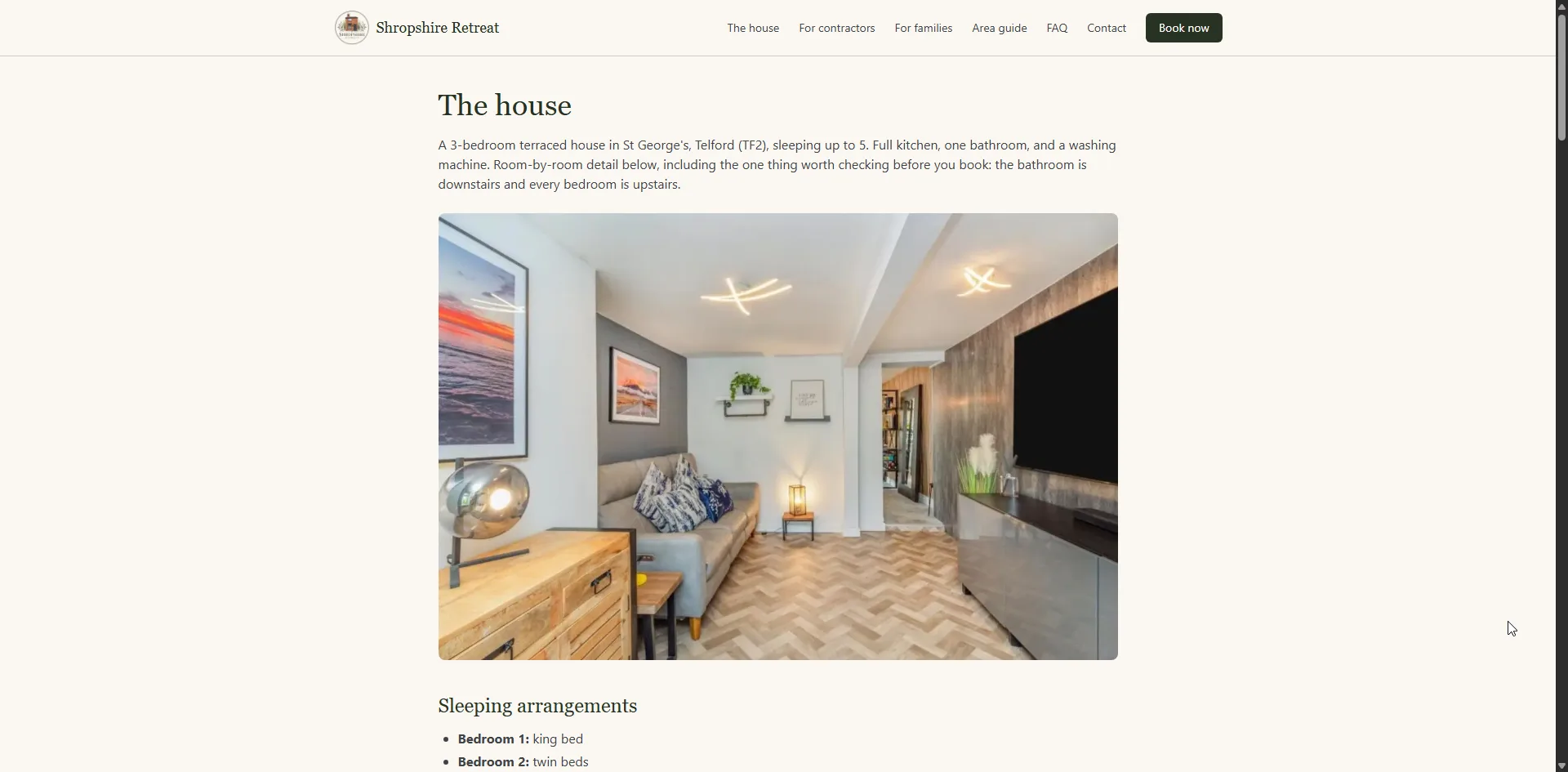
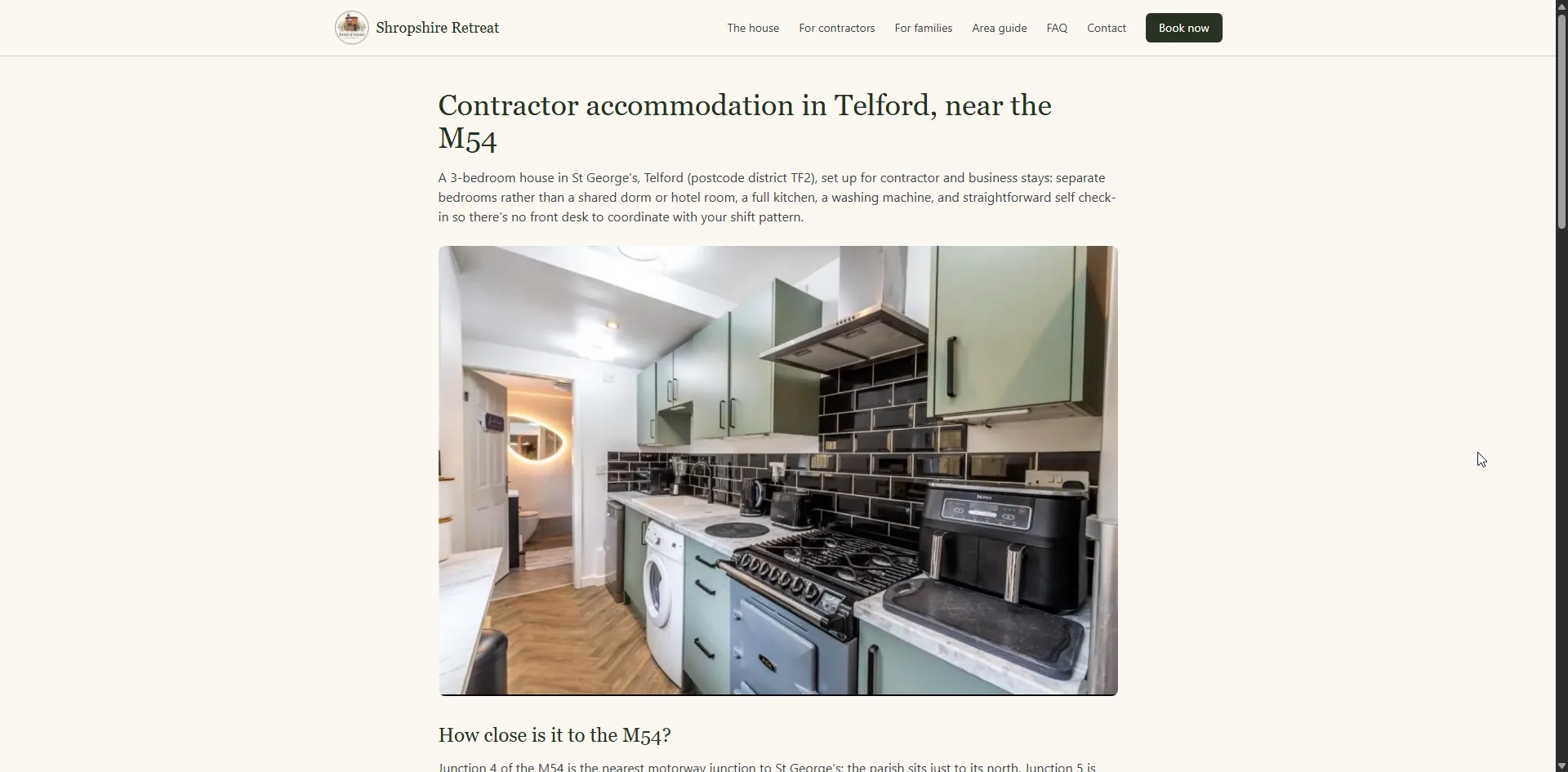
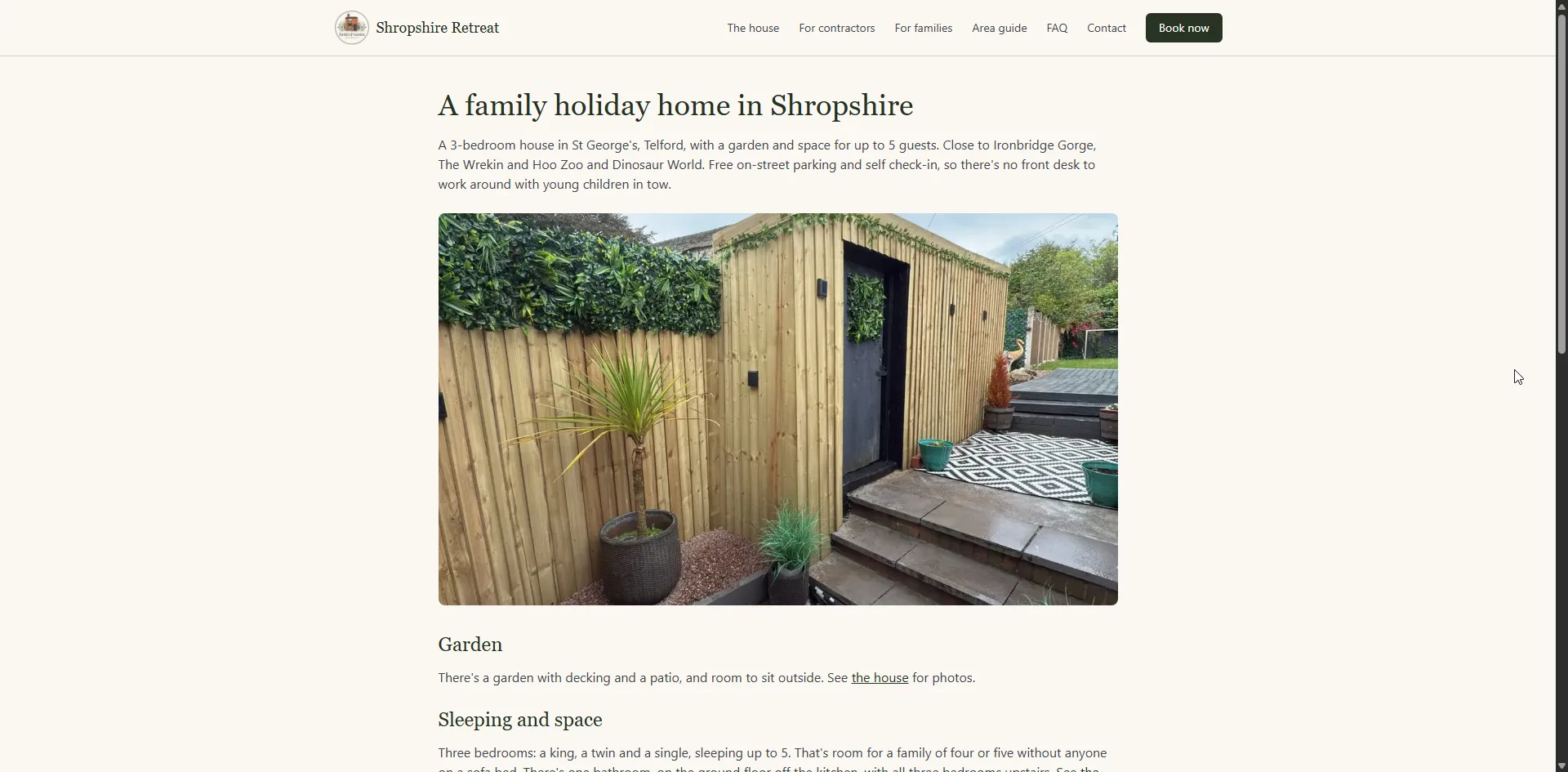
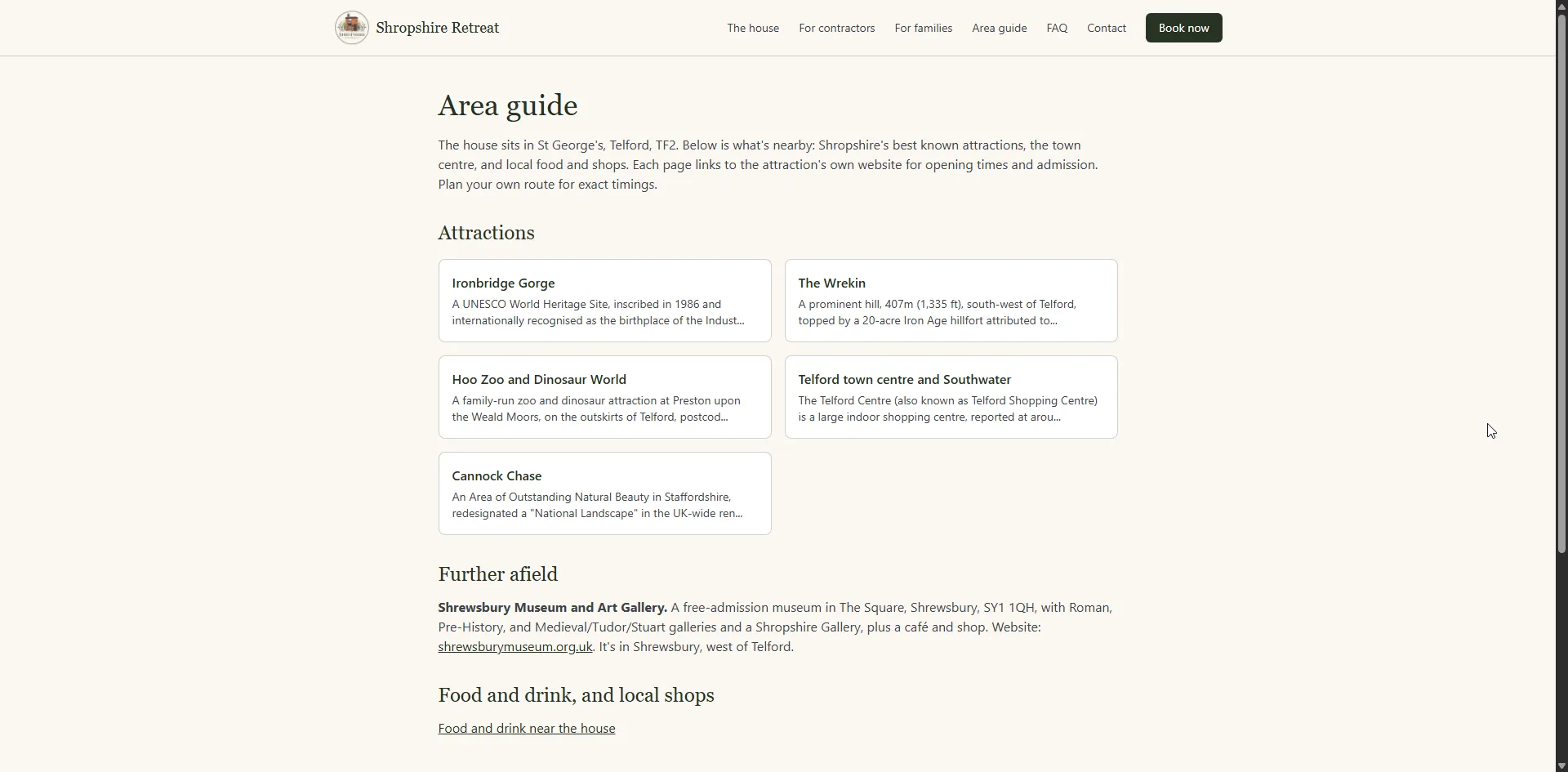
A look around the site
Results
- Bookings
- Taken and paid for on the owner's own site
- Channels
- Google Calendar, Airbnb and Booking.com kept in step both ways
- Double bookings
- The listing calendars re-read at the quote and at the booking
- Payment
- Deposit on booking, balance taken automatically, company invoicing
- Two audiences
- Contractor and family pages, each a landing page
- PageSpeed
- 99 on mobile and 100 on desktop, 100 for accessibility, best practices and SEO
About this project
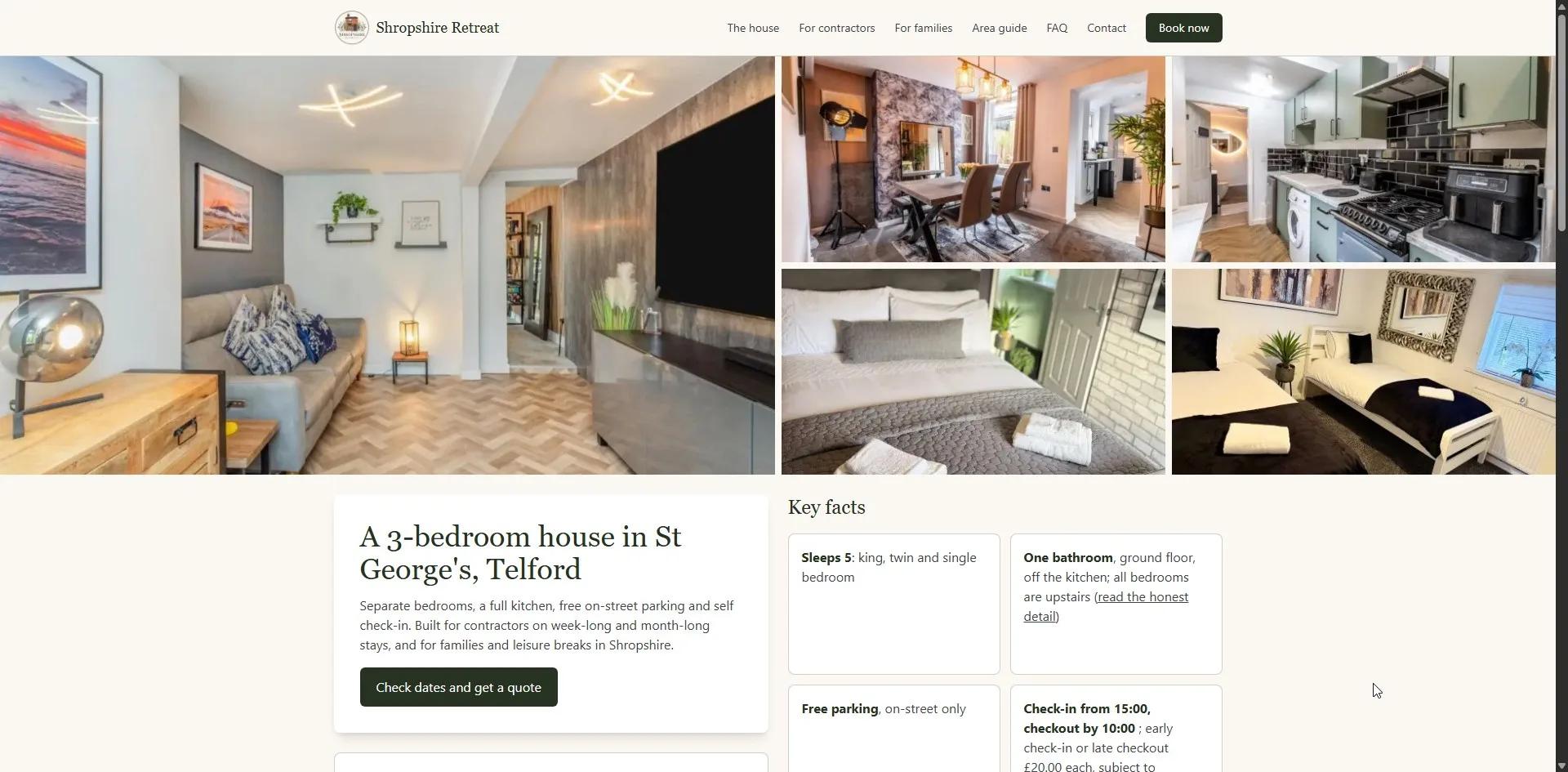
Shropshire Retreat is a three-bedroom house in St George's, Telford, let to two quite different sets of guests: contractors working near the M54 who need a bed for a week or a month, and families who want somewhere near Ironbridge Gorge and the Wrekin for a few nights. The property had the same problem every holiday let has. Every booking that arrived through a listing platform arrived with a commission attached to it, including the ones from guests who already knew the place.
So the site is built to take the booking itself. A visitor checks dates, gets a quote and books on the owner's own site, and pays there. Nothing is retyped into a diary afterwards, and no booking carries a platform fee.
Two audiences, two front doors
A page written to reassure a family about a travel cot is not the page that answers a site manager asking about weekly rates and company invoicing. Rather than compromise with one page that half suits both, the site has a contractor accommodation page and a family holiday home page, each written for its own reader, each able to be the page somebody lands on first. The house itself, the practical detail, sits behind both.
Saying the awkward thing out loud
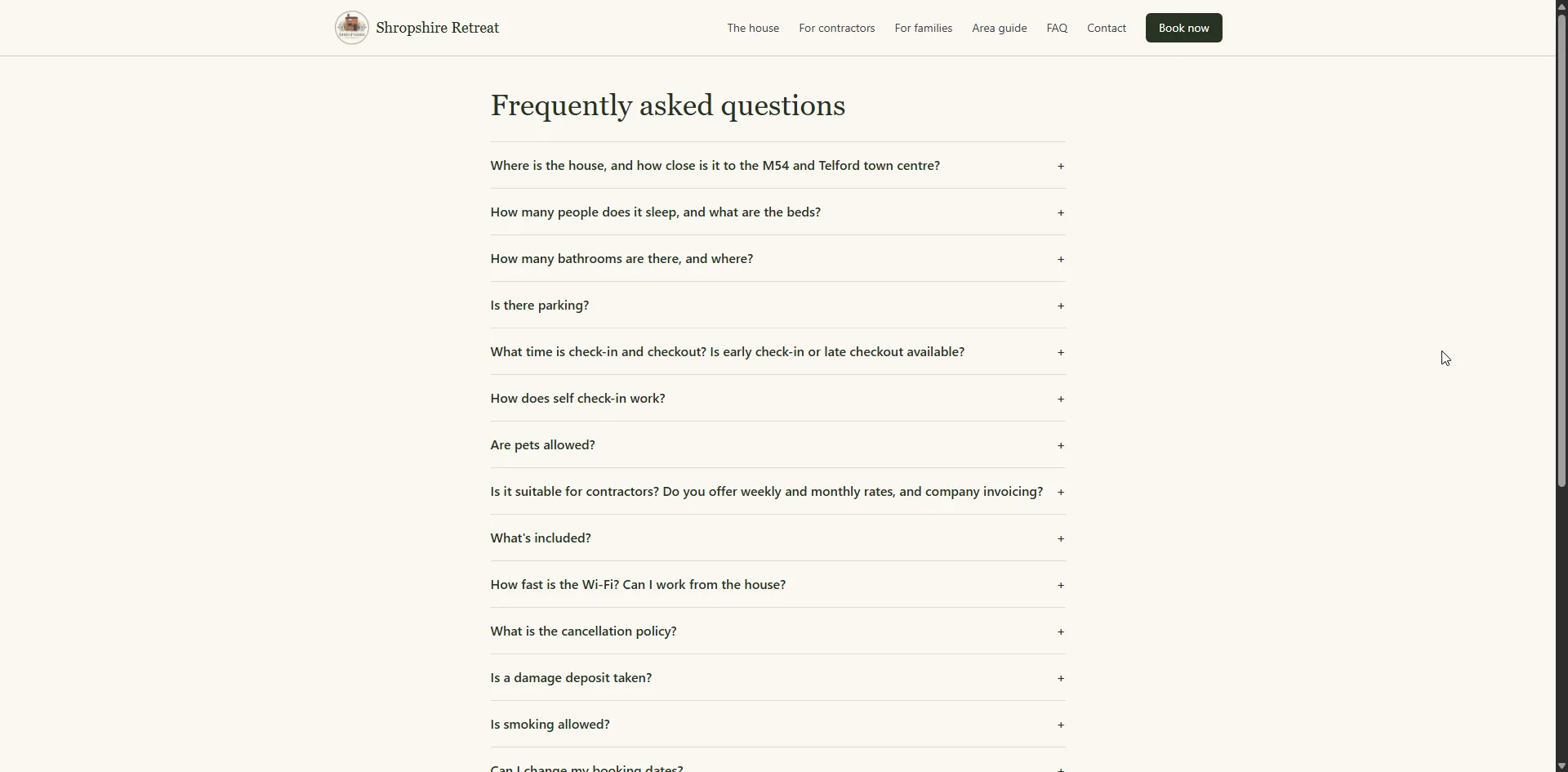
The bathroom is downstairs and all three bedrooms are upstairs. That is the kind of detail a listing buries and a guest discovers on arrival, and it is the sort of thing that turns into a bad review. It is on the house page in plain words instead, because a guest who books knowing it is a guest who is not disappointed by it. The same thinking runs through the FAQ, which answers parking, check-in times, pets, smoking, the damage deposit and the cancellation policy before anybody has to ask.
An area guide that earns its place
The area guide gives a page each to Ironbridge Gorge, the Wrekin, Hoo Zoo and Dinosaur World, Telford town centre, Cannock Chase and where to eat, and links out to each attraction for opening times rather than publishing times that will quietly go stale. For a holiday let this is not padding: it is the content that brings in people searching for somewhere to stay near a place rather than searching for the property by name.
A guest portal instead of a phone number
Guests with a booking message the owner through a portal, where the thread stays attached to the booking it belongs to. No personal mobile number is published, nothing is lost in a WhatsApp backlog, and the owner can see which stay a question is about without asking.
One calendar, and three other places it has to agree with
A holiday let that takes its own bookings and keeps its listings has the same night for sale in several places at once, and the worst thing it can possibly do is sell that night twice. So the calendar carries more of this build than anything else in it.
The owner's own Google Calendar syncs in both directions, which means a week blocked out on a phone while standing in the house closes those nights on the website, and a booking taken on the website appears in that calendar without anybody typing it in. The Airbnb and Booking.com calendars are read and written the same way, both directions. Before a quote is given, and again at the moment a booking is confirmed, the site goes back and re-reads the listing calendars rather than trusting what it read earlier, because the night being asked about may have gone in the last ten minutes. Anything that does not agree is raised as a conflict rather than quietly accepted, and a check runs every night to catch any calendar that has drifted out of step while nobody was looking.
Deposits, balances and company invoices
The booking is paid for on the site, by card. The deposit is taken automatically as the booking is made. The balance is charged to the same card nearer the stay without the guest having to come back and do anything, and if their bank asks them to approve that payment the site picks up the same transaction again rather than starting a second one and charging twice. Refunds, whole or partial, are issued from the admin panel, and card disputes are recorded there as they happen.
Contractor work brought one requirement a family booking never does: the person who books is frequently not the person who pays. So a booking can name a company as the payee and ask for an invoice in the company's name, which is what a site manager booking six weeks for a crew actually needs.
The half a guest never sees
Most of this build is the owner's side of it. The admin panel opens on the counts that matter that morning, and from there: an availability calendar where holding and dragging across a run of dates either blocks them out or puts a booking on them, which is how a stay taken over the phone goes in without a form, pricing with overrides for a date range and a live preview of what a stay would quote at before anything is saved, a screen for damage deposits, reviews held for moderation before they appear, reports that export to a spreadsheet, a log of every change and who made it, and the house policies published as numbered versions, where each booking records which version of the terms it accepted. The home page can even be switched between designs.
Signing in uses a passkey, the fingerprint or face unlock already on the device, with a second factor behind it. Guests can use one too if they would rather not keep another password.
What it sends, and knowing that it sent it
Every message the site sends is a template it owns rather than something written out by hand each time. The booking confirmation carries a calendar invite, so the guest puts the stay straight into their own calendar. Once the guest has checked out, a review request goes out on its own. And every one of those emails is logged, so there is a record of what was sent and when rather than a hope that it went.
The owner is told about a new booking on their phone, through a small installable app on its own address, because an email alert is no use to somebody who is out at the property with their hands full.
What was delivered
Booking and availability
- Live availability calendar with instant quotes and payment online
- Two-way sync with the owner's Google Calendar, including dates blocked from a phone
- Two-way Airbnb and Booking.com calendar sync
- Both listing calendars re-read at the moment of quoting and again at the moment of booking
- Conflict detection, so the same night cannot be sold twice, and a nightly check that every calendar still agrees
Payment
- Deposit taken automatically as the booking is made
- Balance charged to the saved card nearer the stay, resuming the same payment if the bank asks the guest to approve it
- Refunds, whole and partial, issued from the admin, and card disputes recorded there
- Corporate bookings where the booker and the invoice payee are different, with a company invoice on request
- Damage deposits tracked on their own screen
The owner's admin panel
- Dashboard of the counts that matter that morning
- Drag and hold across the calendar to block dates out
- Manual bookings added the same way, for a stay taken over the phone
- Every booking in one place, whether it came from the site or was entered by hand
- Pricing with date-range overrides and a live preview of the quote
- Reports with spreadsheet export
- Reviews held for moderation
- Policies published as numbered versions, each booking recording the version it accepted
- A log of every change and who made it
- A choice of home page designs
For guests
- Separate contractor and family landing pages
- Room-by-room house page, gallery and honest practical detail
- Area guide with a page for each attraction
- FAQ, house rules, cancellation policy and terms
- Guest portal with booking-linked messaging
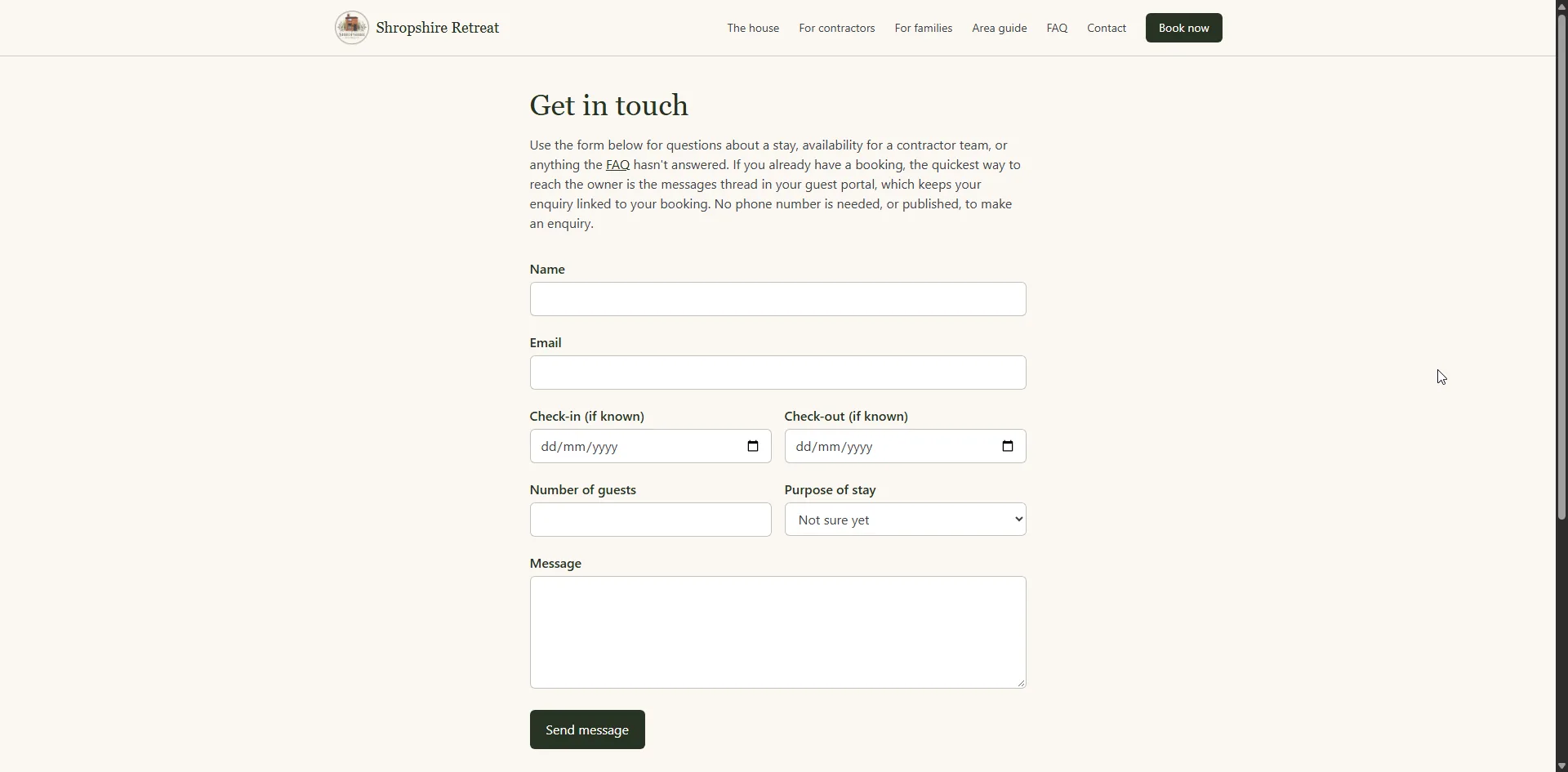
- Enquiry form for guests without a booking yet
- Mobile-first responsive design
Email, alerts and signing in
- Every automated email on its own template, and every one of them logged
- Calendar invite attached to the booking confirmation
- Review request sent automatically once the guest has checked out
- Push notifications to the owner's phone from an installable app on its own address
- Passkey sign-in with a second factor for the owner, and optional passkeys for guests
How it scores
Google PageSpeed Insights, home page, checked on 19 October 2026:
- Performance 99 on mobile and 100 on desktop
- Accessibility 100, Best Practices 100 and SEO 100, on both
- 3 out of 3 on the agentic browsing checks, on both
That matters more than usual for a holiday let, because the page a guest compares with a listing is nearly always the one on their phone, loaded on whatever signal they happen to have.
These are lab scores from Google's own test, taken on one run of the home page. They are not field data from real visitors, and they will move a little from run to run.
Working out what the platforms are costing you? Use the holiday let booking fee calculator.